Automate at scale without writing a loop.
Batch Rendering
Render up to 50 images in a single API call (Pro plan). Generate an entire week's content in one request.
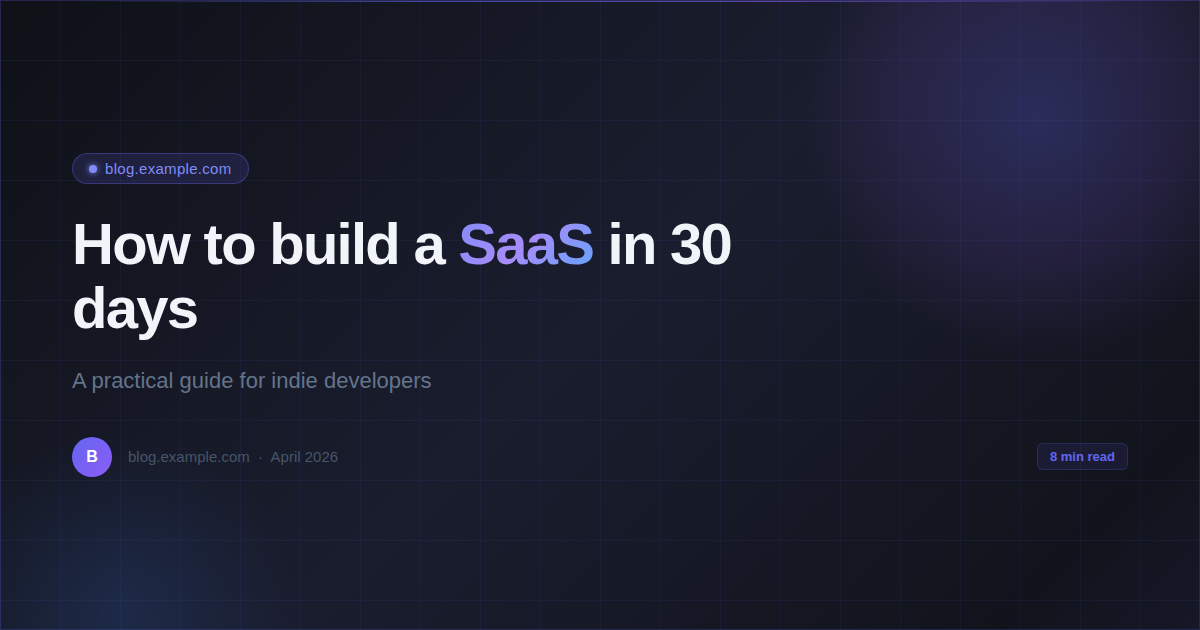
Generate OG images for 50 blog posts in one API call instead of 50 sequential requests.
Template Variables
Use {{placeholders}} in your HTML. Inject names, dates, titles dynamically — no string manipulation in your code.
Pass {{title}}, {{author}}, {{date}} — one HTML template serves every post on your site.
Async Callbacks
Fire-and-forget rendering with callback_url. Your app doesn't wait — RenderPix calls you back when the image is ready. (Pro+)
On publish webhook, fire render request and return 200 immediately. Image is ready in your callback before the CDN cache warms.
// With template variables — one template, infinite posts
const response = await fetch('https://renderpix.dev/v1/render', {
  method: 'POST',
  headers: { 'X-API-Key': 'rpx_your_key', 'Content-Type': 'application/json' },
  body: JSON.stringify({
    html: `<div style="width:1200px;height:630px;background:#0f172a;
      display:flex;flex-direction:column;justify-content:center;
      padding:80px;font-family:sans-serif">
      <div style="color:#22d3ee;font-size:18px;margin-bottom:16px">{{domain}}</div>
      <div style="color:white;font-size:52px;font-weight:bold;line-height:1.2">{{title}}</div>
      <div style="color:#94a3b8;font-size:20px;margin-top:24px">{{author}} · {{date}}</div>
    </div>`,
    vars: { title: post.title, author: post.author, date: post.publishedAt, domain: 'myblog.com' },
    width: 1200, height: 630, format: 'png'
  })
});