Examples
Certificate examples
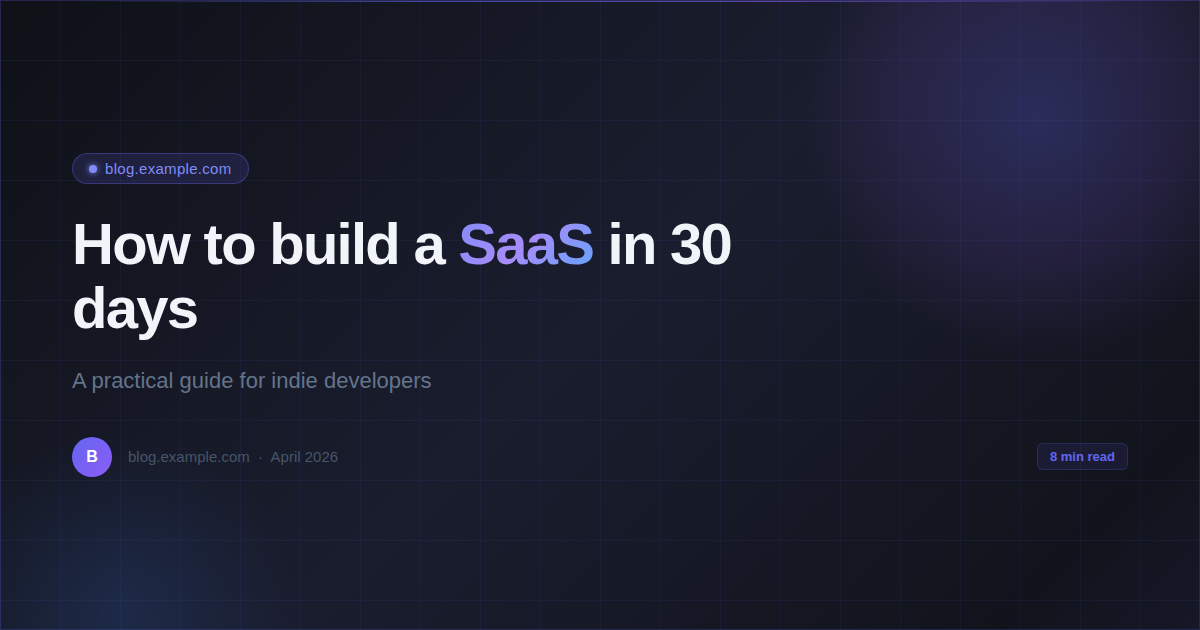
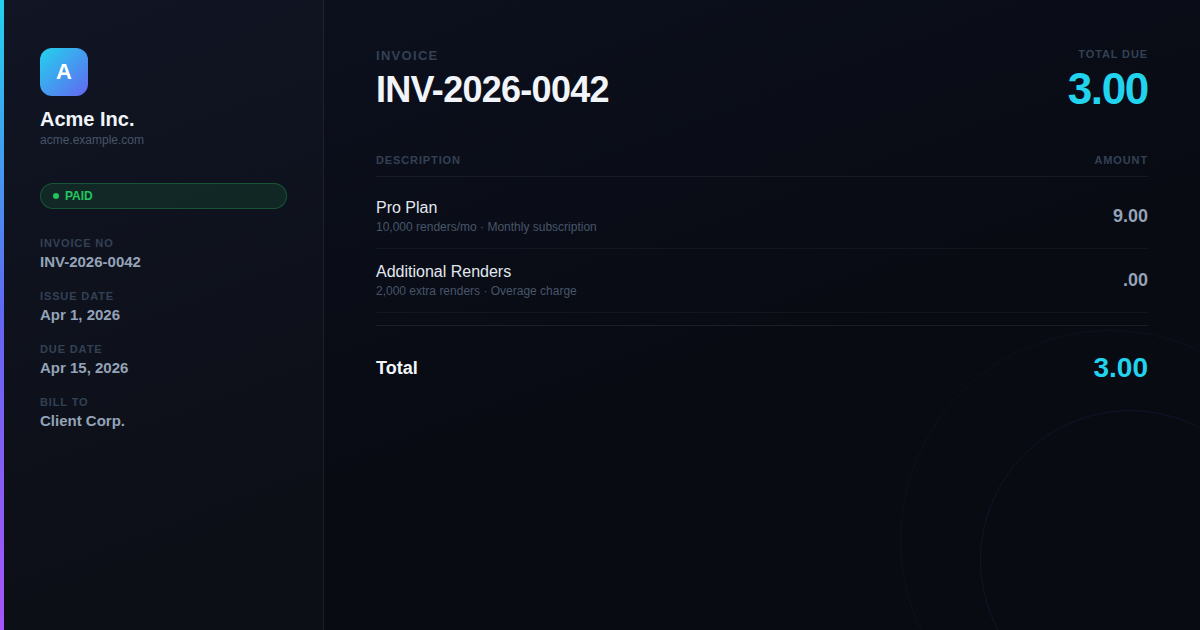
Certificates generated with RenderPix — custom fonts, layouts, and colors, all from HTML/CSS templates.
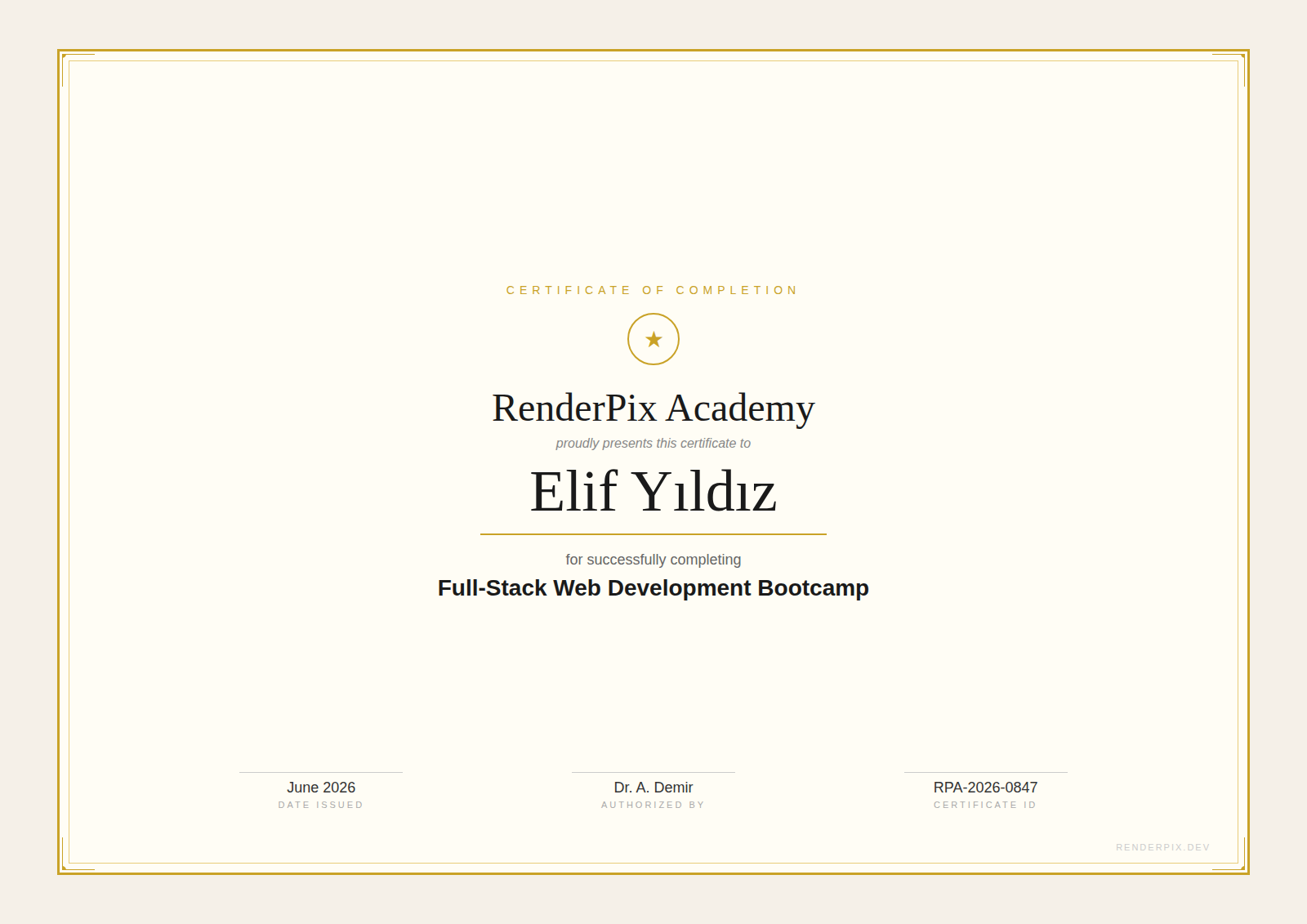
Course Completion
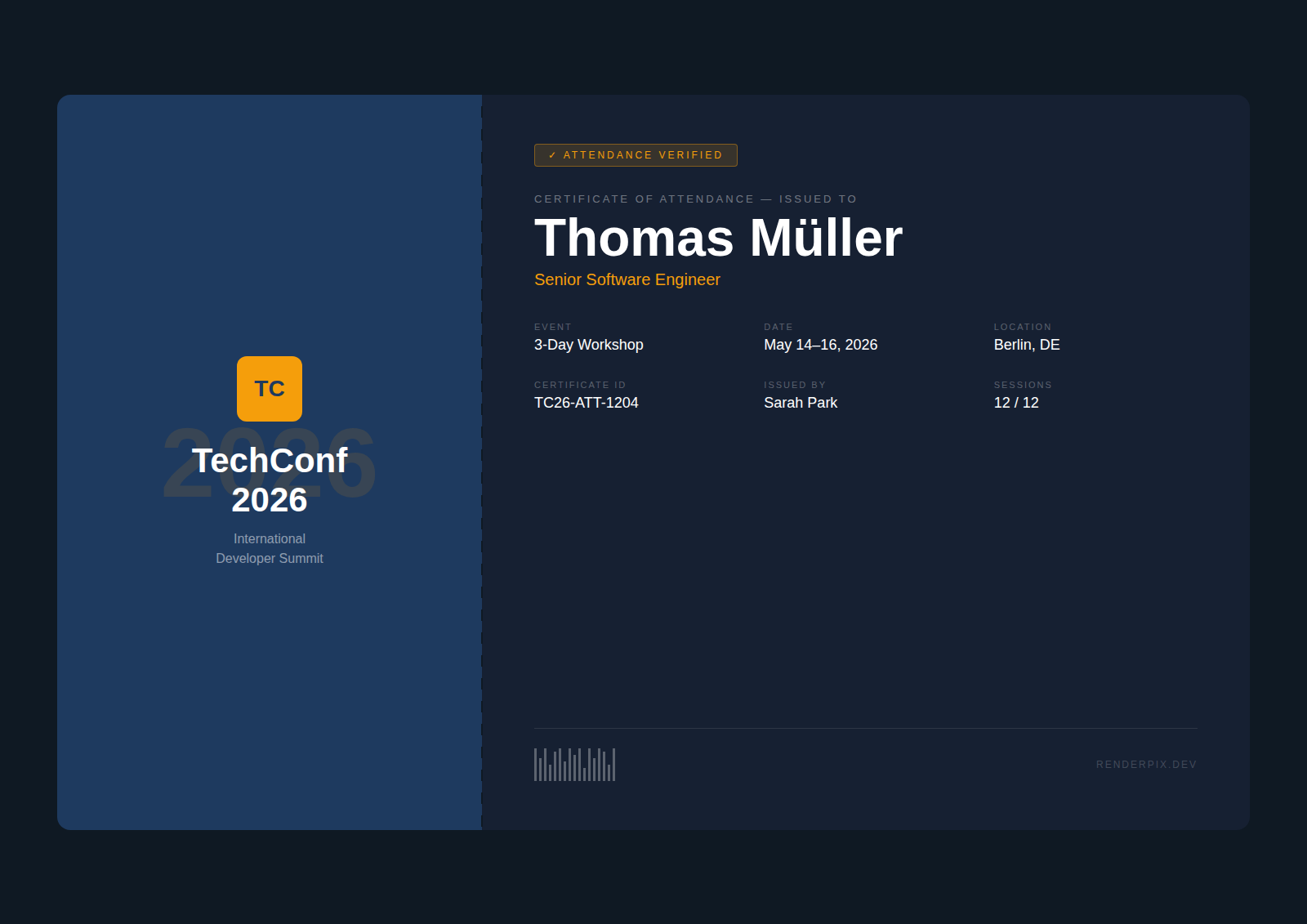
Event Attendance
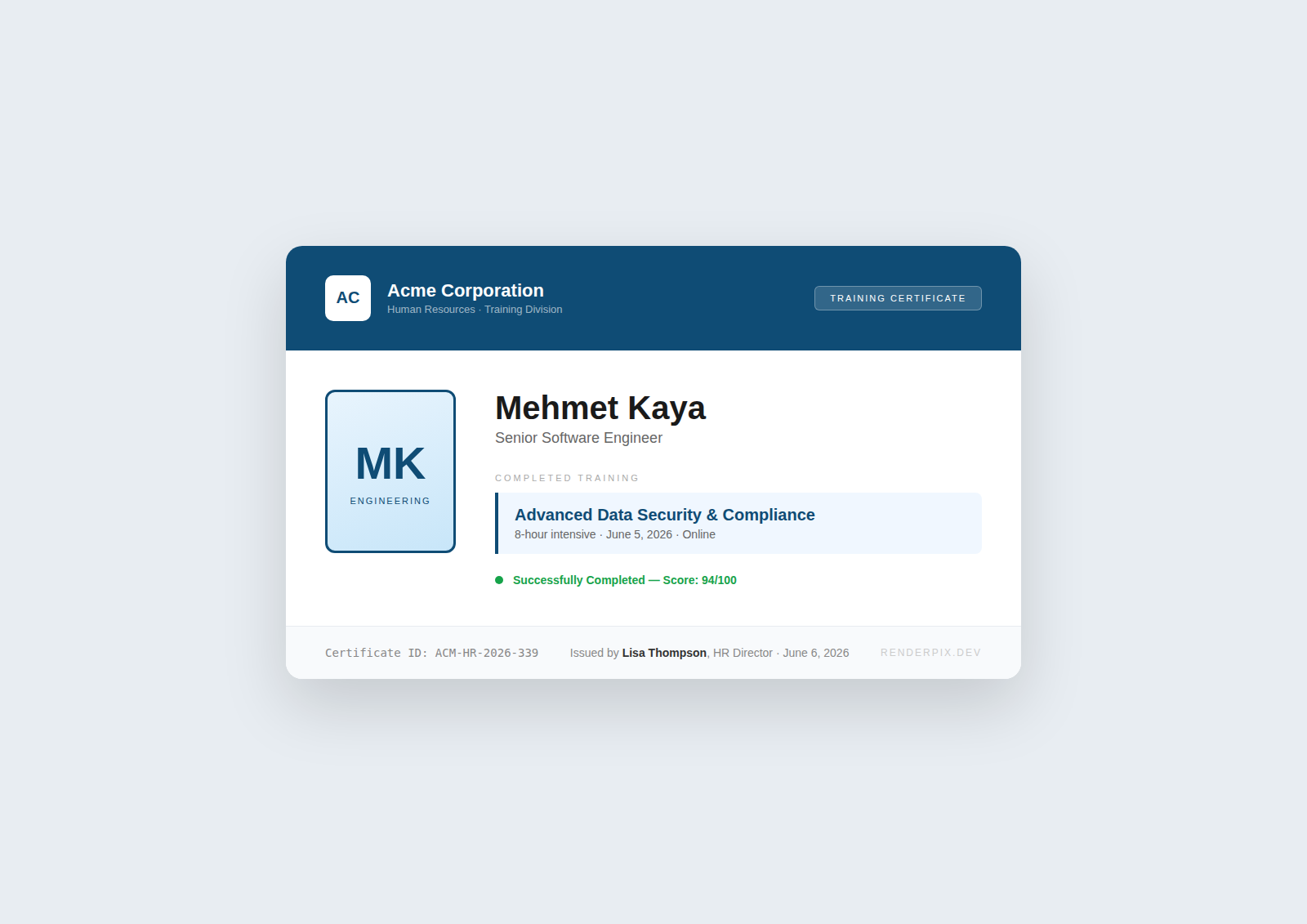
Employee Training
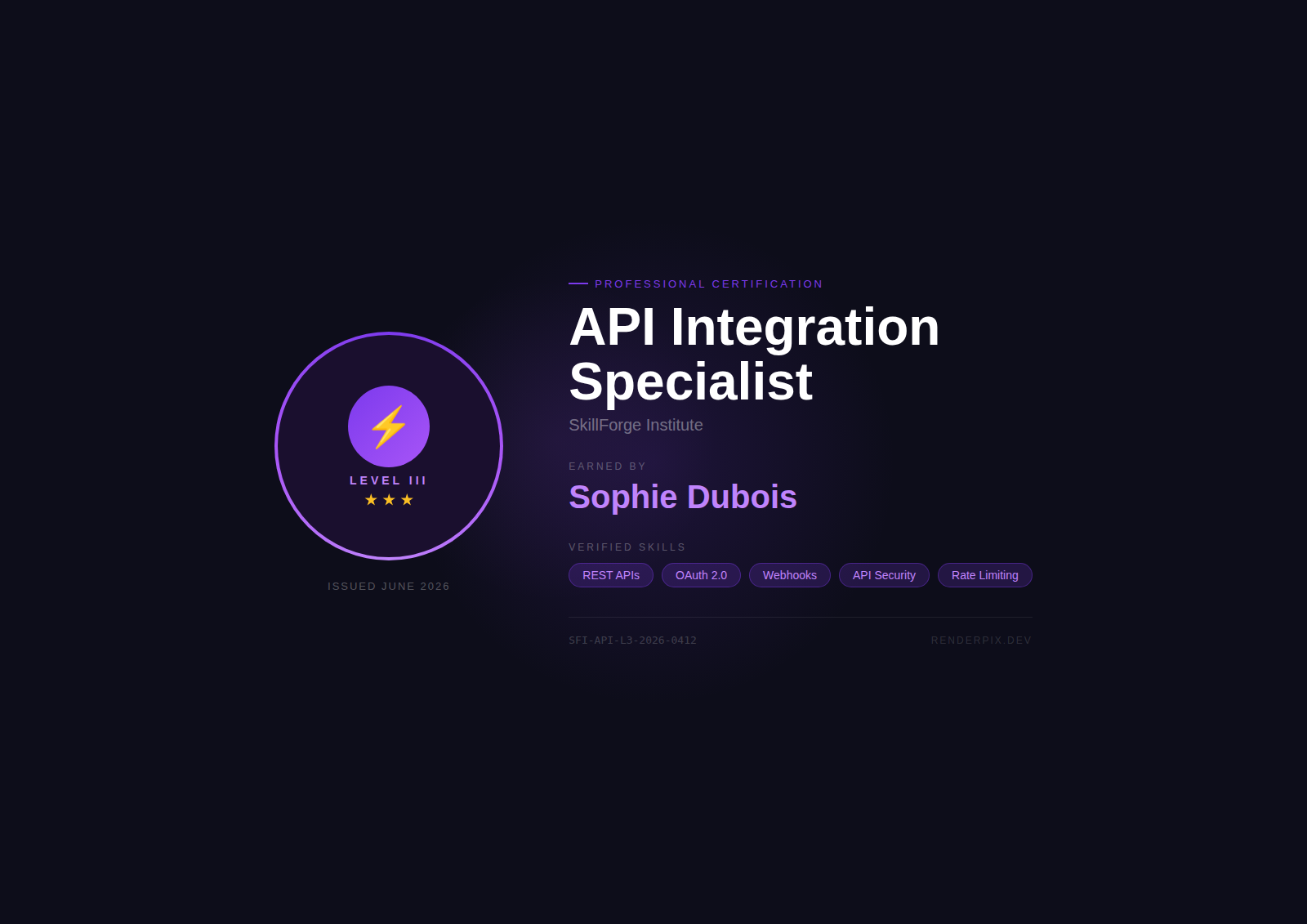
Skill Badge
RenderPix is a certificate generator API: design your template in HTML/CSS, send names and data, get back pixel-perfect PNG images — one call per certificate, or up to 50 at once with the batch endpoint.
// Generate a course completion certificate
const html = `
  <div style="width:1400px;height:1000px;background:white;display:flex;
    flex-direction:column;align-items:center;justify-content:center;
    border:12px solid #1e293b;padding:60px;font-family:Georgia,serif">
    <div style="font-size:18px;letter-spacing:6px;color:#64748b">
      CERTIFICATE OF COMPLETION
    </div>
    <div style="width:120px;height:2px;background:#22d3ee;margin:24px 0"></div>
    <div style="font-size:48px;color:#0f172a;margin:20px 0">
      ${recipientName}
    </div>
    <div style="font-size:18px;color:#475569;max-width:600px;text-align:center">
      has successfully completed the course
      <strong>${courseName}</strong>
      on ${completionDate}
    </div>
  </div>
`;

const res = await fetch('https://renderpix.dev/v1/render', {
  method: 'POST',
  headers: { 'X-API-Key': 'rpx_your_key', 'Content-Type': 'application/json' },
  body: JSON.stringify({ html, width: 1400, height: 1000, format: 'png' })
});

const certImage = await res.arrayBuffer();
Automate at scale without writing a loop.
Render up to 50 images in a single API call (Pro plan). Generate an entire week's content in one request.
Issue 200+ certificates the moment a course ends. Batch render all students in one request, zip and email in minutes.
Use {{placeholders}} in your HTML. Inject names, dates, titles dynamically — no string manipulation in your code.
{{name}}, {{course}}, {{date}}, {{instructor}} — one HTML template handles every student automatically.
Fire-and-forget rendering with callback_url. Your app doesn't wait — RenderPix calls you back when the image is ready. (Pro+)
Trigger certificate generation on course completion webhook. Your LMS gets a 200 immediately; student receives email when render completes.
// Batch generate certificates for all students
const students = [
  { name: 'Jane Smith', course: 'Advanced n8n', date: 'June 2026' },
  { name: 'John Doe',   course: 'Advanced n8n', date: 'June 2026' },
];

const response = await fetch('https://renderpix.dev/v1/batch', {
  method: 'POST',
  headers: { 'X-API-Key': 'rpx_your_key', 'Content-Type': 'application/json' },
  body: JSON.stringify({
    items: students.map(s => ({
      html: `<div style="width:1200px;height:850px;background:white;display:flex;
        flex-direction:column;align-items:center;justify-content:center;
        border:20px solid #0f172a;font-family:Georgia,serif;padding:60px">
        <div style="font-size:18px;color:#64748b;letter-spacing:4px">CERTIFICATE OF COMPLETION</div>
        <div style="font-size:56px;font-weight:700;color:#0f172a;margin:24px 0">{{name}}</div>
        <div style="font-size:20px;color:#64748b">has successfully completed {{course}}</div>
        <div style="font-size:16px;color:#94a3b8;margin-top:32px">{{date}}</div>
      </div>`,
      vars: { name: s.name, course: s.course, date: s.date },
      width: 1200, height: 850, format: 'png'
    }))
  })
});
const { results } = await response.json();
// results[i].image = base64 PNG for each student
Write {{name}}, {{course}}, {{date}} in your HTML. Pass a vars object in the request body. RenderPix substitutes them before rendering — no string manipulation needed in your code.
# Single certificate with template variables
curl -X POST https://renderpix.dev/v1/render   -H "X-API-Key: rpx_your_key"   -H "Content-Type: application/json"   -d '{
    "html": "<div style=\"width:1200px;height:850px;background:#fff;display:flex;flex-direction:column;align-items:center;justify-content:center;border:20px solid #0f172a;font-family:Georgia,serif;padding:60px\">\n  <div style=\"font-size:16px;letter-spacing:4px;color:#64748b\">CERTIFICATE OF COMPLETION</div>\n  <div style=\"font-size:52px;font-weight:700;color:#0f172a;margin:24px 0\">{{name}}</div>\n  <div style=\"font-size:18px;color:#475569\">has completed <strong>{{course}}</strong></div>\n  <div style=\"font-size:14px;color:#94a3b8;margin-top:28px\">{{date}}</div>\n</div>",
    "vars": { "name": "Jane Smith", "course": "Advanced n8n", "date": "June 2026" },
    "width": 1200,
    "height": 850,
    "format": "png",
    "scale": 2
  }'
# Returns base64 PNG at 2400x1700px — print-ready, ready to attach to email
RenderPix has a native n8n node. Chain it with any trigger — form submission, LMS webhook, Zapier step, or Make scenario.
{{name}} {{course}} {{date}} vars mapped from the trigger output.Works the same way in Zapier and Make — use the HTTP Request module with your API key and vars object.
Certificates generated with RenderPix — custom fonts, layouts, and colors, all from HTML/CSS templates.
vars object populated from your workflow trigger.